
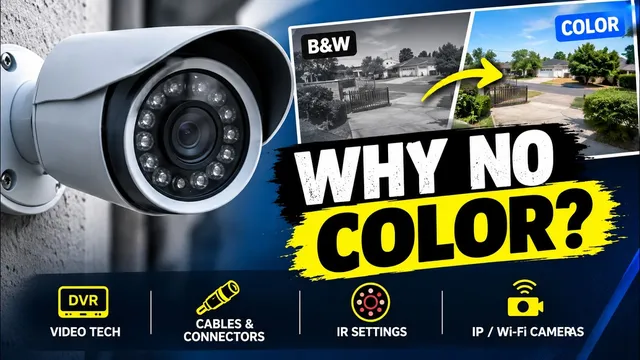
Security Camera Stuck in Black and White? Here’s How to Fix It!
Описание SEC.RU
По нашему материалу и сохранённой расшифровке.
Если камера видеонаблюдения показывает чёрно-белое изображение днём при хорошем освещении, не спешите её менять.
And if you've checked the settings, the if you've checked the settings, the infrared system, and everything else infrared system, and everything else we've shown in this video, but the we've shown in this video, but the camera still remains in black and white, camera still remains in black and white, there's a good chance that the camera there's a good chance that the camera has a hardware problem.
If the camera used to work in color and suddenly changed to to work in color and suddenly changed to black and white, your DVR probably black and white, your DVR probably already supports the camera's already supports the camera's technology.
Читать материал по расшифровке
Описание автора
Is your security camera stuck in black and white during the day even though the area is well lit? Don't replace your camera just yet! In this video, we troubleshoot analog, wired digital, and WiFi security cameras step-by-step so you can get your full-color video image back.
✅ *What you will learn in this video:*
- How to check and fix DVR video technology settings (AHD, TVI, CVI, XVi)
- How to configure camera OSD menus and Day/Night settings
- How to test infrared (IR) LEDs using your smartphone camera
- How to troubleshoot bad video cables, connectors, and perform a direct DVR test
- Troubleshooting IP and WiFi cameras (ICSee app settings)
⏳ *Chapters*
0:00 - Security Camera Stuck in Black and White?
0:26 - Analog Cameras & Video Technology (AHD, TVI, CVI, XVi)
1:08 - DVR Channel Settings & Manual Detection
1:48 - Changing Technology via Camera OSD Menu or Switch
2:23 - Checking Day & Night Settings
2:48 - Testing Infrared (IR) LEDs & Sensors
3:33 - Cable, Connector & Direct DVR Testing
4:48 - Troubleshooting IP & WiFi Cameras (ICSee App)
5:29 - Hardware Failures & Next Steps
🔔 Subscribe to the channel for more security camera tips & tutorials:
https://www.youtube.com/@UedersonSecurityLab?sub_confirmation=1
💬 Need technical support or direct assistance? Contact us on WhatsApp:
https://wa.me/5524981690034
#SecurityCamera #CCTV #TechSupport #SecuritySystem #UedersonSecurityLab