
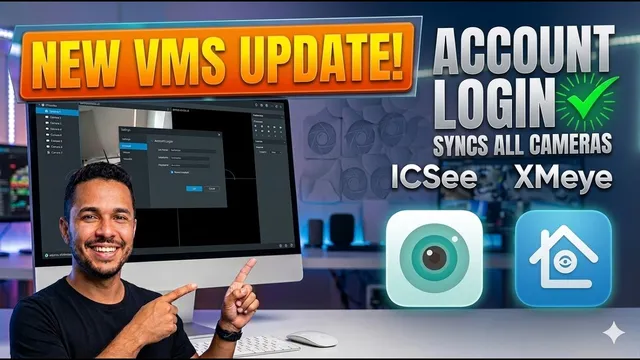
ICSee & XMeye on PC: NEW VMS Software
Описание SEC.RU
По нашему материалу и сохранённой расшифровке.
Узнайте о новой версии VMS для ICSee и XMeye: вход через аккаунт, автоматическая синхронизация устройств, проверка безопасности, установка и новые функции.
We found a new version of the VMS software found a new version of the VMS software that changes everything.
As we mentioned at the beginning of the video, this new at the beginning of the video, this new VMS software allows you to log in using VMS software allows you to log in using your ICC or XME mobile account.
Читать материал по расшифровке
Описание автора
⚠️ Your security camera might be exposed online without you knowing.
Check it now:
👉 https://youtu.be/sXe3rgLjE48
Stop adding cameras manually! Check out the NEW VMS version for ICSee and XMeye that allows you to sync all your DVRs, NVRs, and IP cameras just by logging into your account.
In this video, I’ll show you the latest update for the VMS software. If you use XMeye or ICSee devices, this is the definitive solution for your computer access. We cover everything from a safe download (with VirusTotal check) to the new "Cloud Login" feature that automatically imports all your devices.
🔴 *Subscribe for more tech tips:*
https://www.youtube.com/@UedersonSecurityLab?sub_confirmation=1
📥 *Download VMS ICSee XMeye Professional (Updated):*
https://eletronsoft.mycartpanda.com/checkout/209217221:1
https://eletronsofttecnolo.wixsite.com/eletronsoft/programas/vms-icsee-profissional
If you are unable to download the program using the link above, please contact our technical support team so we can provide you with a secure copy.
💬 *Free Technical Support:*
https://wa.me/5524981690034
*What you will learn in this video:*
* Where to download the official VMS latest version.
* How to verify the software safety using VirusTotal.
* Step-by-step installation for Windows.
* How to use "Account Login" to sync ICSee and XMeye devices automatically.
* Difference between Local Login and Cloud Access.
* How to use the new Auto-Update and Support Chat features.
*Chapters:*
0:00 New VMS Version for ICSee & XMeye
0:45 Download and VirusTotal Safety Check
1:32 Step-by-Step Installation Guide
1:55 How to Login using ICSee/XMeye Account
2:35 Viewing Cameras: Sign-in and Extra Stream
2:55 New Features: Auto-Update & Support Chat
3:13 Device Manager: Manual Add & P2P Cloud
3:45 Local Login vs Account Login (Which is better?)
4:18 Free Technical Support & Closing
#UedersonSecurityLab #ICSee #XMeye #VMS #CCTV #SecurityCameras #Surveillance #TechTutorial #SmartHome