
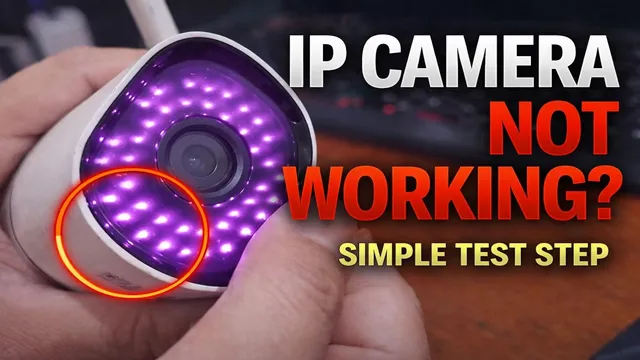
Is Your IP Camera Dead? Do This Before Throwing It Away!
Описание SEC.RU
По нашему материалу и сохранённой расшифровке.
Узнайте, как самостоятельно проверить неисправную IP-камеру: от проверки питания и ИК-подсветки до сетевого подключения через ONVIF Device Manager. Следуйте простым шагам, чтобы выявить проблему и избежать лишних затрат.
But keep in mind that ONVIF device manager only mind that ONVIF device manager only works if the camera supports the ONVIF works if the camera supports the ONVIF protocol.
Just a quick heads-up, before you plug a quick heads-up, before you plug anything in, double-check that the anything in, double-check that the adapter is 100% compatible with your adapter is 100% compatible with your camera's specs.
Читать материал по расшифровке
Описание автора
⚠️ Your security camera might be exposed online without you knowing.
Check it now:
👉 https://youtu.be/sXe3rgLjE48
Is your IP camera not showing images or failing to connect? Before you call a technician, we’ll show you how to perform a professional hardware and network test yourself. In this guide, we cover everything from power supply compatibility to using ONVIF Device Manager to find your camera on the network.
Whether you have a WiFi camera or a wired system, these steps will help you identify if the issue is a faulty power adapter, a corrupted SD card, or a network configuration error.
*Links Mentioned:*
* Free WhatsApp Support: https://wa.me/5524981690034
* Previous Video (Analog Cameras): https://youtu.be/nacbnITHsiU
*Video Chapters:*
0:00 Intro: Testing IP Cameras
0:30 Tools and camera overview
0:54 Power supply requirements (12V/1A)
1:26 How to get free support via WhatsApp
1:47 IMPORTANT: Removing the SD Card
2:20 Booting up and Audio Prompts
2:47 Testing Infrared LEDs (Night Vision)
3:15 iPhone vs Android for LED testing
3:27 Troubleshooting faulty LEDs
3:51 The IR-Cut Filter "Click" Test
4:12 Connecting the camera to your PC
4:38 Using ONVIF Device Manager
5:15 Accessing the interface & IP address
5:27 ONVIF Protocol vs Official Software
5:46 Using NVClient (Native Protocol)
5:56 Final tips and next video
#IPCamera #TechSupport #CCTV #Troubleshooting #ONVIF #SecurityCamera #Networking