
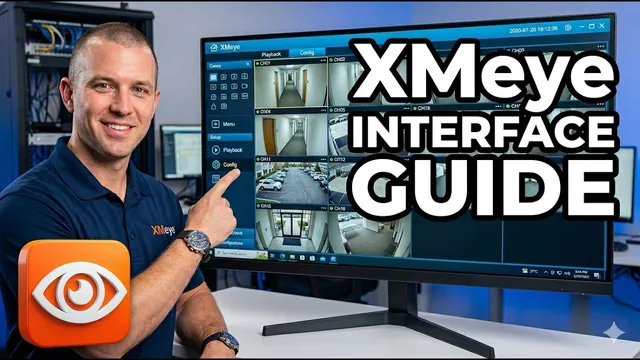
XMeye Interface Guide: What Do All These Icons Mean? (DVR/XVR/NVR)
Описание SEC.RU
По нашему материалу и сохранённой расшифровке.
В статье объясняется работа с интерфейсом Xmeye: основные элементы управления, значки записи и аудио, оповещения о событиях, а также даются советы по настройке и использованию системы.
We're diving deep into the main screen of your DVR, deep into the main screen of your DVR, XVR, or NVR.
Let's start with the basics, the screen divisions, or what we basics, the screen divisions, or what we call channels.
Читать материал по расшифровке
Описание автора
Confused by the icons on your security system? In this video, we break down the entire Xmeye interface for DVRs, XVRs, and NVRs so you can manage your security with confidence!
✅ *What you will learn in this video:*
* How to navigate the main screen and channel divisions.
* Understanding the recording and audio icons.
* What the Motion, Occlusion, and Video Loss alerts mean.
* Quick tips for full-screen view and digital zoom.
* How to access the Main Menu for advanced settings.
⏳ *Chapters*
0:00 Introduction to Xmeye Interface
0:11 Screen Divisions and Channels
0:26 Customizing Offline Channels
0:42 How to Use Full-Screen and Zoom
1:04 Renaming Your Cameras (Personalization)
1:21 Recording and Audio Icons Explained
1:56 Technology Switch (AHD/TVI/CVI)
2:13 Understanding Security Alert Icons
2:40 Video Loss and Troubleshooting
2:51 Clock, Calendar, and Main Menu
3:13 Expert Tips and Next Steps
🚀 Subscribe for more security tutorials:
https://www.youtube.com/@UedersonSecurityLab?sub_confirmation=1
🛠️ Need Technical Support? Contact us on WhatsApp:
https://wa.me/5524981690034
#Xmeye #CCTV #SecuritySystem #DVR #NVR #Surveillance #TechTutorial #HomeSecurity #UedersonSecurityLab