
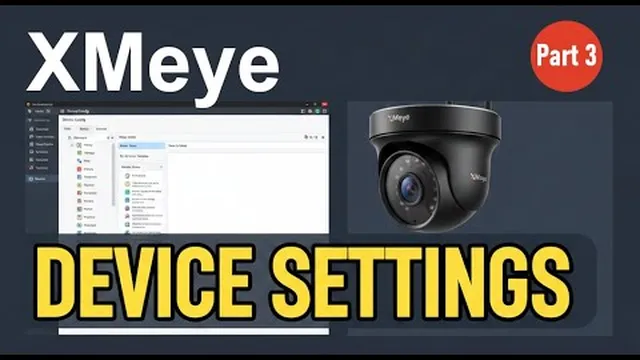
How to Change XMeye Device Settings via VMS Software (Full Guide 2026)
Описание SEC.RU
По нашему материалу и сохранённой расшифровке.
Узнайте, как получить доступ к внутренним настройкам устройств XMeye через VMS, пропустить окно автодобавления, изменить язык и настроить хранение журналов.
Today, we're going to show you how to access and manage the show you how to access and manage the internal settings of your XME devices internal settings of your XME devices directly through the VMS software.
Besides the device settings, let's also Besides the device settings, let's also take a quick look at how to access the take a quick look at how to access the software settings.
Читать материал по расшифровке
Описание автора
⚠️ Your security camera might be exposed online without you knowing.
Check it now:
👉 https://youtu.be/sXe3rgLjE48
In this third video of our XMeye VMS series, we show you how to access and manage your device settings remotely from your computer. If you need to adjust your camera configurations without being physically there, this tutorial is for you!
*In this video, you will learn:*
* How to skip the 'Auto Add' screen on VMS startup.
* How to access the internal 'Device Config' of your XMeye cameras.
* How to navigate the 'System Config' to change language and log settings.
*Missed the previous videos? Watch them here:*
* Video 1 (Setup & Connection): https://youtu.be/KK2xICPZ6LY
* Video 2 (Playback & Saving): https://youtu.be/EENfVsjW8vg
*Subscribe for more XMeye and VMS tutorials!* Don't forget to hit the notification bell so you won't miss our upcoming guides on security systems.