
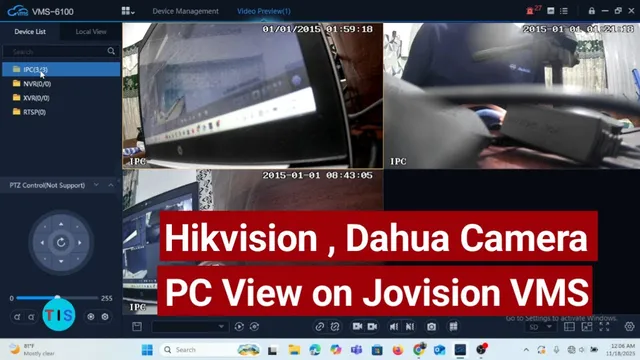
PC View for Hikvision, Dahua & other camera brands on Jovision VMS
Описание SEC.RU
По нашему материалу и сохранённой расшифровке.
Узнайте, как добавить камеры Hikvision, Dahua и других производителей в Jovision VMS. Подробная инструкция по установке, поиску в локальной сети и ручному добавлению по IP/DDNS.
So, when I double click at the cameras, it will get the cameras listed cameras, it will get the cameras listed for me and you have the live preview of for me and you have the live preview of whatever brand of camera you are trying whatever brand of camera you are trying to add to the VMS.
If [snorts] we are talking about adding [snorts] we are talking about adding other brand of cameras to the VMS, it other brand of cameras to the VMS, it [snorts] is important to come to the [snorts] is important to come to the filter manage devices whereby you can filter manage devices whereby you can click at the drop-own menu and you have click at the drop-own menu and you have access to IPC that is IP cameras, NVR, access to IPC that is IP cameras, NVR, XVR or OMV.
Читать материал по расшифровке
Описание автора
How to setup PC view for Hikvision, Dahua and other camera brands on Jovision VMS.