
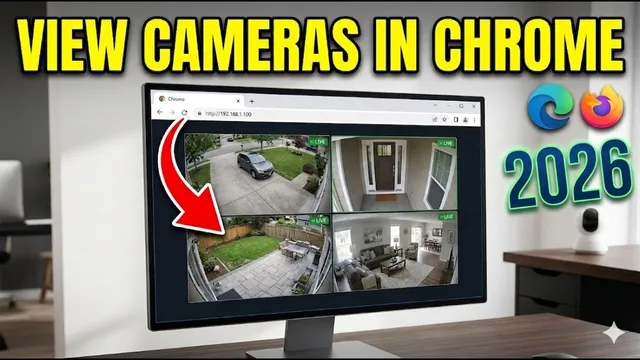
How to ACCESS Security CAMERAS on PC Without Software - 2026
Описание SEC.RU
По нашему материалу и сохранённой расшифровке.
Узнайте, как подключиться к IP-камерам, DVR, NVR и XVR через веб-браузер без специальных программ. Пошаговая инструкция по поиску IP-адреса, настройке Edge и решению проблем с ActiveX.
In this video, we are going to show you exactly how to access your security exactly how to access your security cameras from any computer without cameras from any computer without installing specific viewing programs.
This method works for almost every device method works for almost every device including IP cameras, DVRs, XVRs, NVRs, including IP cameras, DVRs, XVRs, NVRs, and general security systems.
Читать материал по расшифровке
Описание автора
⚠️ Your security camera might be exposed online without you knowing.
Check this video now:
👉 https://youtu.be/sXe3rgLjE48
How to Access Security Cameras from ANY Browser (No Software Needed!)
Stop wasting time installing bulky viewing software! In this professional guide, we show you how to securely access your IP cameras, DVRs, NVRs, and XVRs directly through your web browser (Chrome, Edge, or Firefox). This method is perfect for quick monitoring and avoiding unnecessary software on third-party computers.
✅ *What you will learn in this video:*
* How to find your camera's IP address on the network.
* Using ONVIF Device Manager to locate devices.
* Accessing the web interface via Google Chrome.
* Troubleshooting "Plugin Required" or "Internet Explorer" errors.
* Configuring Microsoft Edge IE Mode for older security systems.
* Enabling ActiveX controls for full video playback.
🚀 Need professional help? Subscribe to our channel to unlock free technical support from our team in any language!
📲 CONTACT SUPPORT: https://wa.me/5524981690034
🔔 SUBSCRIBE FOR MORE: https://www.youtube.com/@UedersonSecurityLab?sub_confirmation=1
⏳ *Chapters*
0:00 How to access cameras without software
0:30 Finding the IP address (DVR/NVR/XVR)
1:07 Using ONVIF Device Manager for IP Cameras
1:44 Logging in via Google Chrome
2:03 Solving Plugin and Internet Explorer errors
2:20 Configuring Microsoft Edge IE Mode
3:45 Advanced Fix: Enabling ActiveX Controls
4:36 Professional Support & Community
#SecurityCameras #CCTV #IPCamera #TechTutorial #HomeSecurity #RemoteViewing #UedersonSecurityLab