
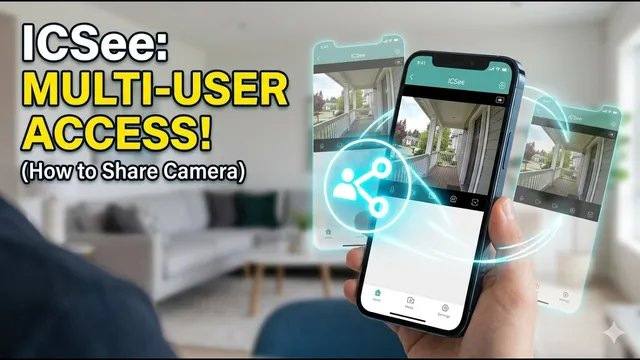
ICSee App: How to Give Camera Access to Family Members (2026)
Описание SEC.RU
По нашему материалу и сохранённой расшифровке.
Узнайте, как безопасно поделиться доступом к камере ICSee через приложение. Настройка разрешений и три метода: по ссылке, аккаунту и QR-коду.
Today, we're showing you exactly how to share i we're showing you exactly how to share i c camera access the right way.
Need to give your family or colleagues access to your security feed?
Читать материал по расшифровке
Описание автора
⚠️ Your security camera might be exposed online without you knowing.
Check it now:
👉 https://youtu.be/sXe3rgLjE48
Need to give your family or colleagues access to your security feed? In this video, I’ll show you exactly how to share ICSee camera access the right way, ensuring your home or office stays secure while giving others the control they need.
We dive deep into the 3 different methods to link another smartphone and, most importantly, how to set specific permissions so you don't grant full control to everyone. Whether you want to share via QR Code, Account, or a simple Link, this tutorial covers it all.
📝 *What you will learn in this video:*
* How to access the Sharing menu in the ICSee app.
* Understanding permissions: PTZ, Intercom, SD Card, and Device Setup.
* Method 1: Code Sharing (The easiest way).
* Method 2: Account Share (Using email or phone number).
* Method 3: QR Code Share (The reliable backup).
* How to accept the sharing invite on the second phone.
⏳ *Chapters:*
0:00 How to share ICSee camera access
0:17 Opening the ICSee app and Share button
0:24 Managing Sharing Permissions (PTZ, Audio, Recordings)
1:02 Method 1: Code Sharing (Generating a Link)
1:24 Method 2: Account Sharing (Email or Phone)
1:55 Method 3: QR Code Sharing
2:13 Tips for successful sharing and Support
Video showing how to access ICSee cameras on a smartphone:
https://youtu.be/DU4Zzz6AaaQ
Our Free Technical Support via WhatsApp:
https://wa.me/5524981690034
If this guide helped you, please give us a thumbs up and subscribe for more ICSee tips!
👉 Subscribe here:
https://www.youtube.com/@UedersonSecurityLab?sub_confirmation=1
#ICSee #SecurityCamera #HomeSecurity #ICSeeApp #CameraSharing #UedersonSecurityLab