
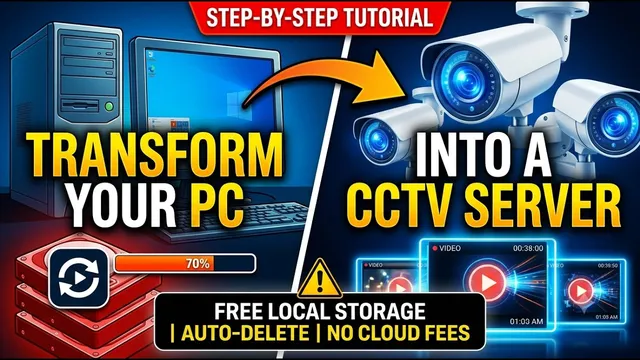
Turn Your Windows PC into a FREE Security Camera Server! (No NVR Needed)
Описание SEC.RU
По нашему материалу и сохранённой расшифровке.
Узнайте, как превратить компьютер с Windows в бесплатный сервер видеонаблюдения. Настройка FileZilla Server, Python-скрипта и Планировщика задач для автоматической перезаписи видео.
The idea here is to use your computer as a secure here is to use your computer as a secure recording server that will save your recording server that will save your camera footage exactly the same way a camera footage exactly the same way a memory card does, constantly deleting memory card does, constantly deleting older videos and overwriting them with older videos and overwriting them with new ones whenever your computer hard new ones whenever your computer hard drive gets full.
This ensures that you always have plenty of free space for brand new plenty of free space for brand new recordings and your security camera will recordings and your security camera will never stop saving data, exactly the same never stop saving data, exactly the same way it does with a standard memory card.
Читать материал по расшифровке
Описание автора
Turn your old or current Windows computer into a dedicated, automated recording server for your security cameras completely for free! In this tutorial, we show you how to set up an FTP server to save your CCTV footage locally, ensuring your data is safe even if the camera is stolen or broken. Plus, get our custom script to enable automatic loop recording (overwriting old files when full)!
✅ *What you will learn in this video:*
* How to transform a Windows PC into a secure recording server.
* Step-by-step installation and configuration of FileZilla Server.
* Linking security cameras to local Windows folders.
* Deploying a free Python automation script to automatically overwrite old videos.
* Configuring Windows Task Scheduler for 24/7 automated maintenance.
* Setting up your camera (ICSee/VMS example) to stream directly to your PC.
📥 DOWNLOAD SCRIPT:
https://drive.google.com/file/d/11lJkildMgYN1eQ9EkYc4GDGnKQEqUX7b/view?usp=sharing
🔥 PREMIUM BENEFIT FOR SUBSCRIBERS:
Need help configuring your specific camera brand? Our specialized remote technical support team is here to help you step-by-step for FREE! All you need to do is subscribe to our channel and leave a like on this video.
💬 Contact our Remote Support Team: https://wa.me/5524981690034
🔴 Subscribe for more security tutorials: https://www.youtube.com/@UedersonSecurityLab?sub_confirmation=1
⏳ *Chapters*
0:00 - Turn Your Windows PC into a Security Camera Server
0:31 - Creating the Dedicated Video Folders
0:52 - Downloading & Installing FileZilla Server
2:08 - Creating a Secure Camera User Profile
2:34 - Linking the Storage Folder Path
2:59 - Setting Up the Auto-Delete Loop Script
4:20 - Installing Python on Windows
4:42 - Automating the Script with Windows Task Scheduler
6:16 - Testing and Troubleshooting Python Path Errors
7:22 - Configuring the Security Camera (ICSee & VMS Example)
8:14 - Final Results & Free Subscriber Support
#CCTV #SecurityCamera #DIYTech #WindowsServer #FileZilla #IPCamera #HomeSecurity #Surveillance #UedersonSecurityLab